
Building a SaaS Application with CodeIgniter: A Step-by-Step Guide
Creating a Software as a Service (SaaS) application is a powerful way to build scalable, subscription-based products. With its lightweight structure and flexibility, CodeIgniter is an excellent choice for developing fast and efficient SaaS applications.
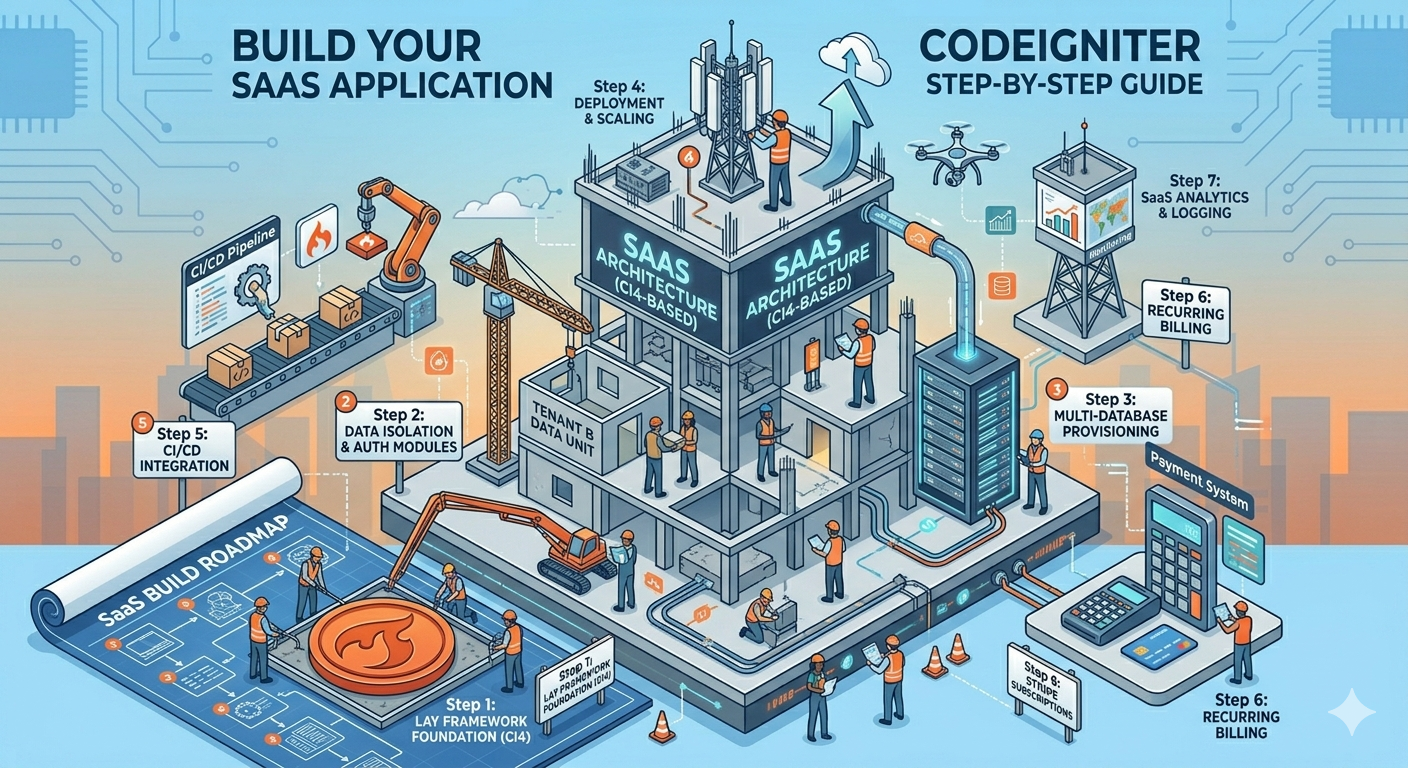
In this SEO-optimized guide, you’ll learn how to build a SaaS application with CodeIgniter step by step—from planning to deployment.
What is a SaaS Application?
A SaaS (Software as a Service) application is hosted in the cloud and accessed via a web browser. Users typically pay a subscription fee to use the software.
Common SaaS Examples:
- CRM systems
- Project management tools
- Accounting software
- Email marketing platforms
Why Choose CodeIgniter for SaaS Development?
CodeIgniter is known for its simplicity and performance, making it ideal for SaaS applications.
Key Benefits:
- Lightweight and fast
- Easy configuration
- MVC architecture
- Strong documentation
- Minimal server requirements
Step 1: Plan Your SaaS Product
Start with a clear roadmap:
- Identify your target audience
- Define core features (MVP)
- Decide pricing strategy (monthly/yearly)
- Choose SaaS architecture
SaaS Architecture Types:
- Single-tenant: Dedicated system per user
- Multi-tenant: Shared system with data isolation
Step 2: Set Up CodeIgniter Project
Download and install CodeIgniter, then configure your environment.
Basic Setup:
- Configure base_url
- Set up database connection
- Organize MVC structure
Step 3: Implement User Authentication
Authentication is essential for SaaS apps.
Features to Include:
- User registration & login
- Password reset
- Email verification
You can build authentication manually or use libraries for faster development.
Step 4: Design Multi-Tenancy
Multi-tenancy ensures each user or organization has isolated data.
Common Approaches:
- Single database with tenant ID (recommended)
- Separate database per tenant
Make sure to:
- Filter data by tenant ID
- Secure access across tenants
Step 5: Build Core Features (MVP)
Start small with essential features:
- Dashboard
- CRUD operations
- Role-based access control
- Notifications
Focus on delivering value quickly and iterating based on user feedback.
Step 6: Add Subscription & Billing
Monetization is key for SaaS.
Use tools like:
- Stripe for payments
Billing Features:
- Subscription plans
- Free trials
- Payment history
- Upgrade/downgrade options
Step 7: Create REST or GraphQL APIs
For mobile or frontend apps, build APIs:
- Use REST for simplicity
- Use GraphQL for flexible data fetching
Example (REST Route):

Step 8: Optimize Performance
To ensure scalability:
- Enable caching
- Optimize database queries
- Minimize server load
- Use CDN for assets
Step 9: Secure Your SaaS Application
Security is critical:
- Use HTTPS
- Validate and sanitize inputs
- Implement authentication checks
- Protect against SQL injection and XSS
- Regular backups
Step 10: Deploy Your Application
Deploy your SaaS app on:
- Cloud platforms (AWS, DigitalOcean)
- VPS hosting
Deployment Tips:
- Use version control (Git)
- Set up CI/CD pipelines
- Monitor server performance
Step 11: Monitor & Scale
After launch:
- Track user activity
- Monitor errors and logs
- Scale infrastructure as needed
- Add features based on feedback
Benefits of SaaS with CodeIgniter
- Fast development cycle
- Low resource usage
- Scalable architecture
- Easy maintenance
Conclusion
Building a SaaS application with CodeIgniter is a smart choice for developers who want speed, simplicity, and performance. By following a structured approach—from planning and multi-tenancy to billing and deployment—you can successfully launch and scale your SaaS product.
Start with an MVP, validate your idea, and continuously improve your platform.