

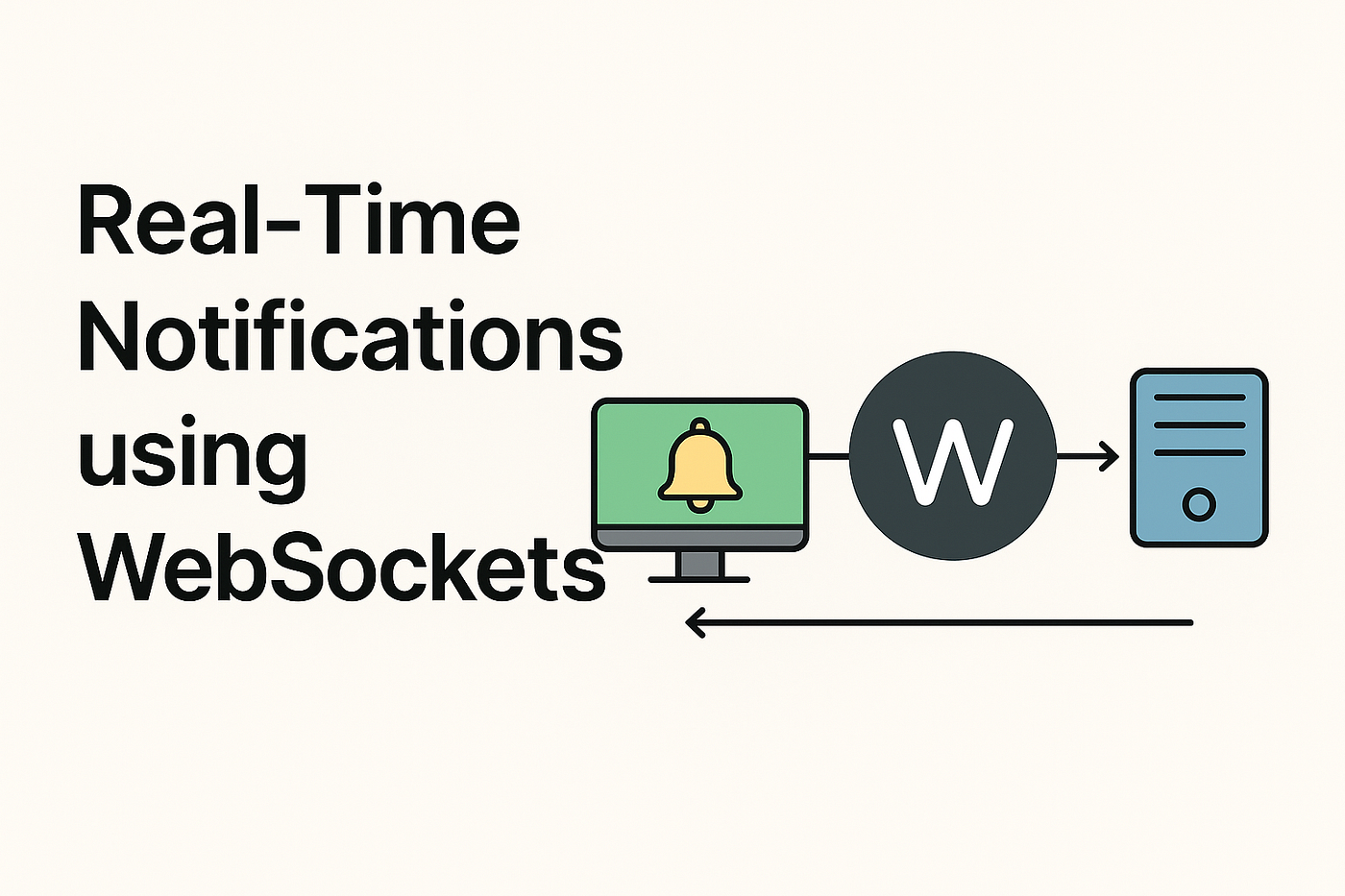
Real-Time Notifications with CodeIgniter and WebSockets: Implementing Real-Time Features
In modern web applications, users expect instant updates without refreshing the page. Features such as live notifications, chat alerts, order updates, and activity feeds require real-time communication between the server and the client. By combining CodeIgniter with WebSocket technology, developers can build powerful applications that deliver updates instantly.
This blog explains how real-time notifications work and how you can implement them in your application using CodeIgniter and WebSockets.
What Are Real-Time Notifications?
Real-time notifications are alerts or messages delivered to users instantly when an event occurs. Unlike traditional systems that rely on page refresh or periodic polling, real-time notifications push updates directly to the user interface.
Examples of real-time notifications include:
- New message alerts in chat applications
- Order status updates in eCommerce platforms
- Social media notifications
- System alerts and activity updates
- Live monitoring dashboards
These notifications significantly improve user engagement and responsiveness.
Understanding WebSockets
WebSocket is a communication protocol that enables full-duplex communication between the client and the server over a single persistent connection.
Unlike HTTP, which creates a new connection for every request, WebSockets maintain a continuous connection. This allows data to be transmitted instantly between the server and the client.
Benefits of WebSockets
- Instant data delivery
- Reduced latency
- Efficient use of server resources
- Continuous connection between client and server
These advantages make WebSockets ideal for implementing real-time features.
Why Use CodeIgniter for Real-Time Applications?
CodeIgniter is a lightweight PHP framework known for its speed and simplicity. It provides a flexible architecture that makes it easy to integrate real-time technologies like WebSockets.
Key benefits include:
- Lightweight and fast performance
- Simple MVC architecture
- Easy integration with third-party libraries
- Strong database support
Because of these features, CodeIgniter is widely used for developing dynamic web applications.
Technologies Used for Real-Time Notifications
To implement real-time notifications using CodeIgniter, developers typically combine several technologies:
- CodeIgniter – Backend PHP framework
- WebSocket – Real-time communication protocol
- Node.js – WebSocket server environment
- Socket.IO – Library for real-time communication
- JavaScript – Frontend interaction and event handling
Steps to Implement Real-Time Notifications
1. Set Up Your CodeIgniter Application
Begin by installing and configuring your CodeIgniter application. Ensure your database and environment settings are properly configured.
2. Create a Notification System
Create database tables to store notifications such as:
- Notification message
- User ID
- Notification status
- Timestamp
This helps track and manage notification history.
3. Set Up a WebSocket Server
A WebSocket server is required to maintain persistent connections. Developers often use Node.js along with Socket.IO to manage real-time communication efficiently.
4. Trigger Notifications from CodeIgniter
Whenever an event occurs (such as a new message or order update), CodeIgniter sends a request to the WebSocket server, which then broadcasts the notification to connected users.
5. Implement Frontend Listeners
Use JavaScript on the frontend to listen for WebSocket events. When a notification event is received, update the user interface instantly.
For example:
- Update notification icons
- Display popup alerts
- Refresh activity feeds
Common Use Cases
Real-time notifications using CodeIgniter and WebSockets are widely used in:
- Chat and messaging applications
- eCommerce order tracking systems
- Social networking platforms
- Online gaming platforms
- Monitoring and analytics dashboards
These applications rely heavily on real-time updates to enhance user experience.
Best Practices for Real-Time Notifications
Optimize WebSocket Connections
Avoid unnecessary connections and manage user sessions efficiently.
Use Secure Connections
Use secure WebSocket connections (WSS) to protect data transmission.
Implement Caching
Caching frequently accessed data improves performance.
Monitor System Performance
Use monitoring tools to track real-time system performance and errors.
Conclusion
Implementing real-time notifications using CodeIgniter and WebSocket allows developers to build dynamic and interactive web applications. By integrating technologies such as Node.js and Socket.IO, applications can deliver instant updates and improve overall user engagement.
As real-time communication becomes a standard requirement in modern web development, implementing these features will help create faster, more responsive, and more engaging user experiences.